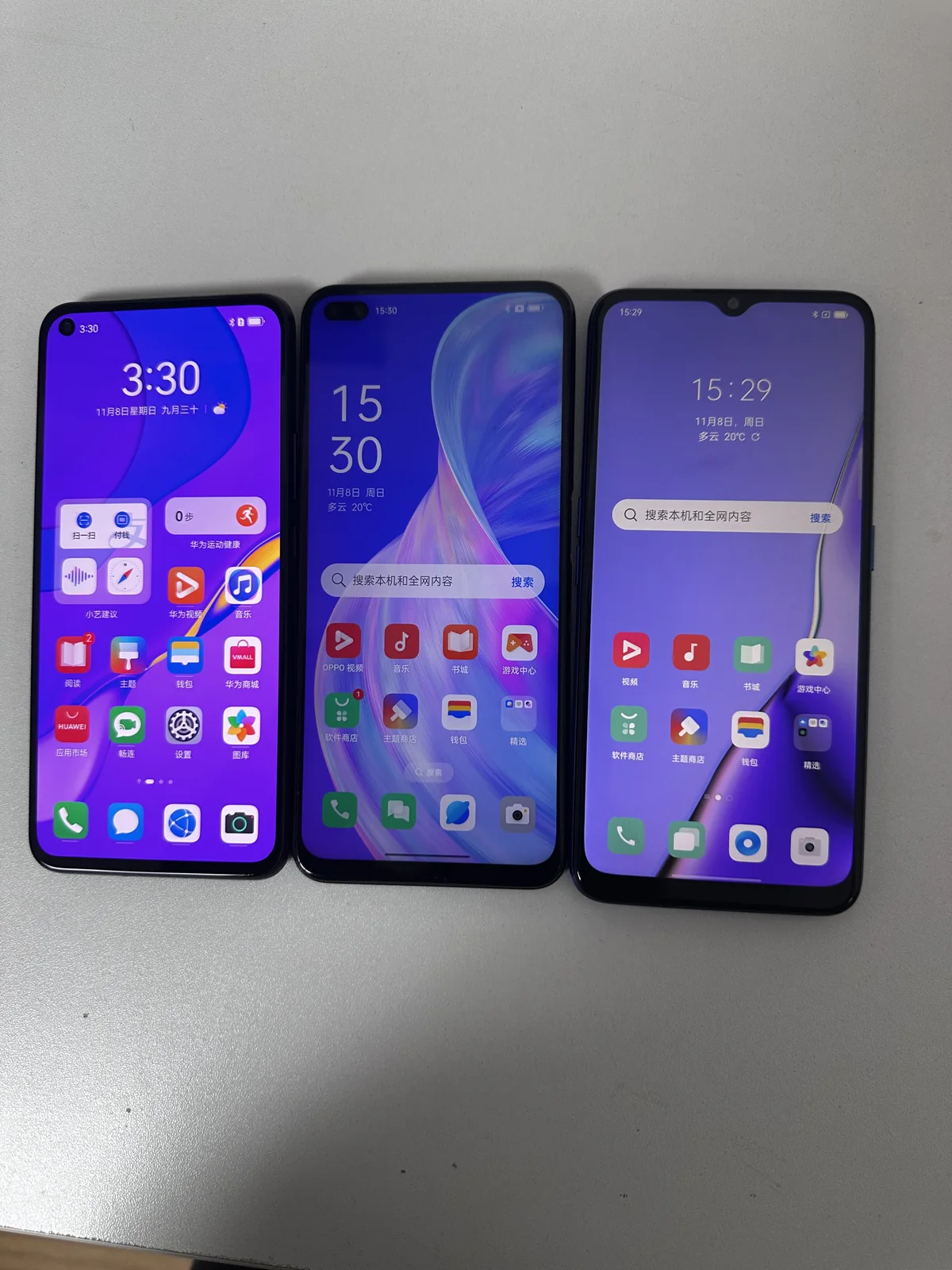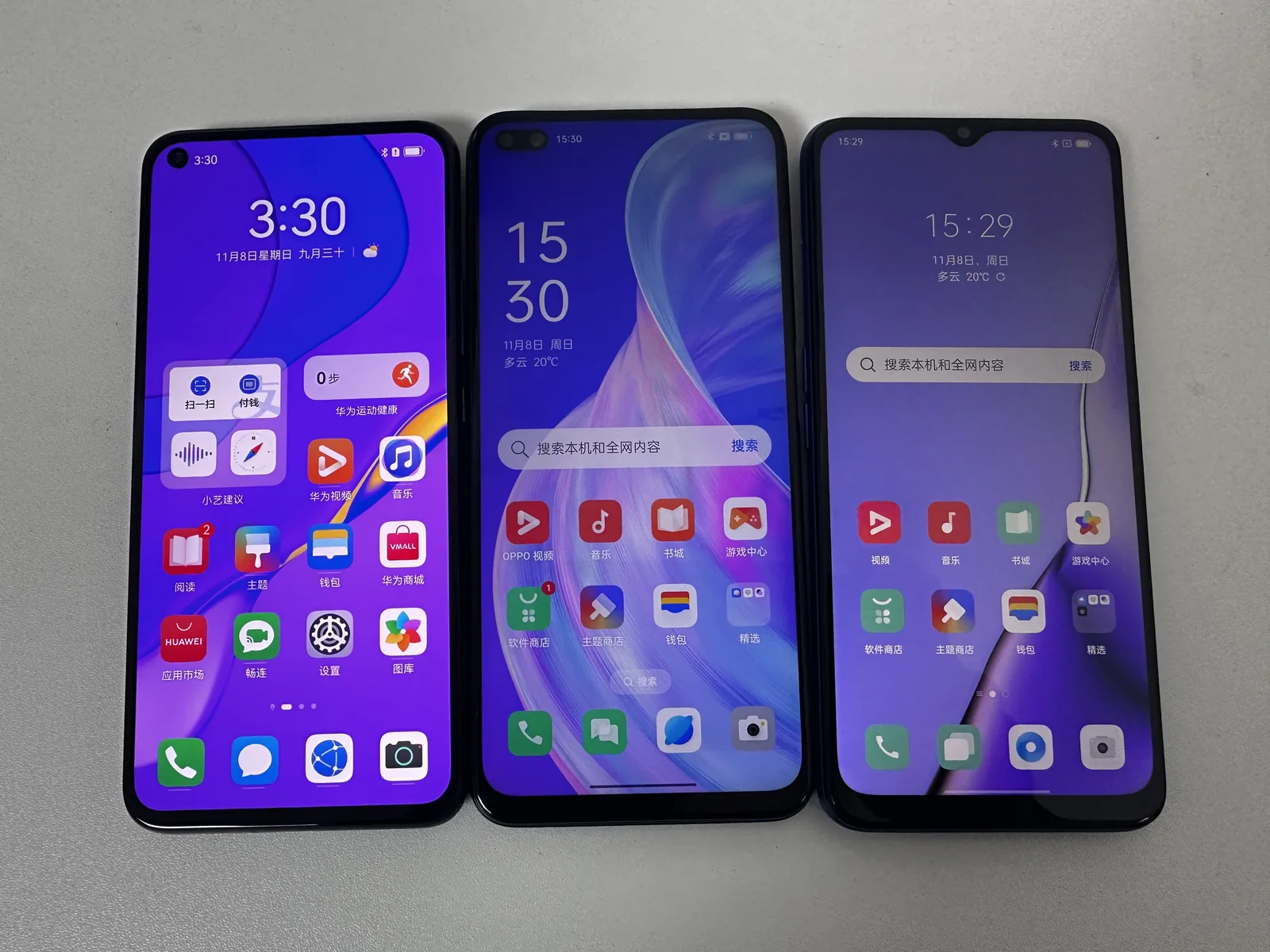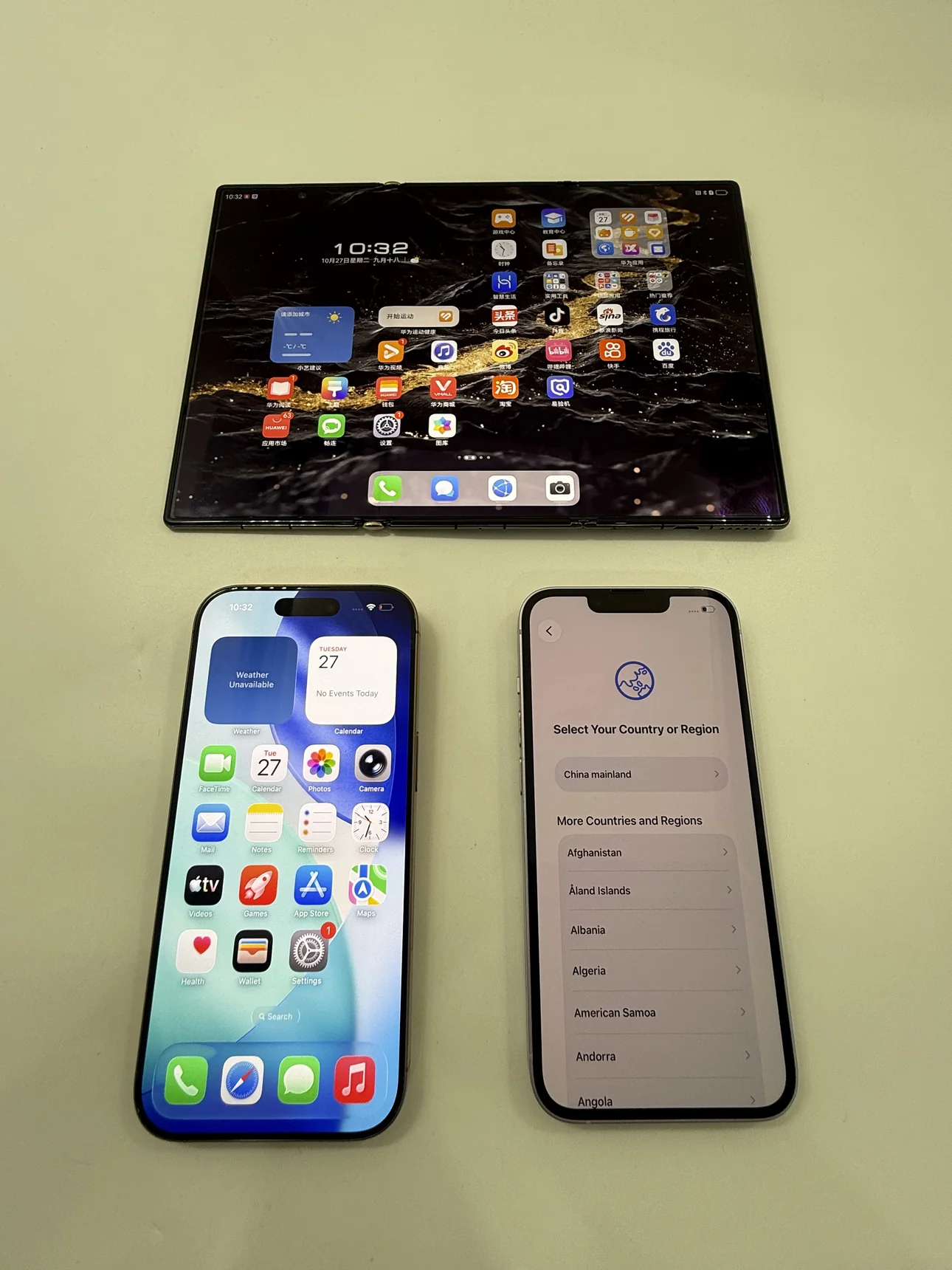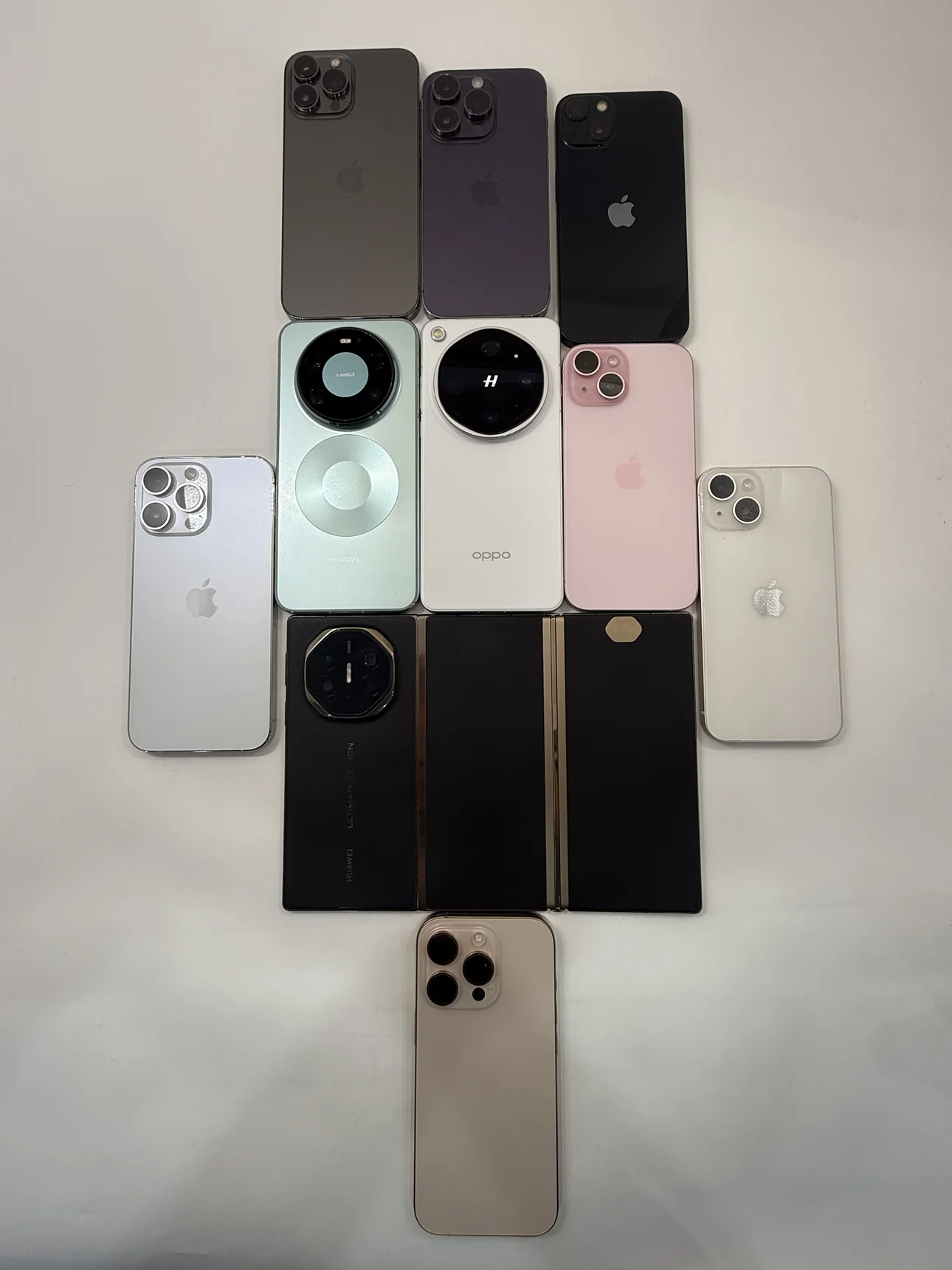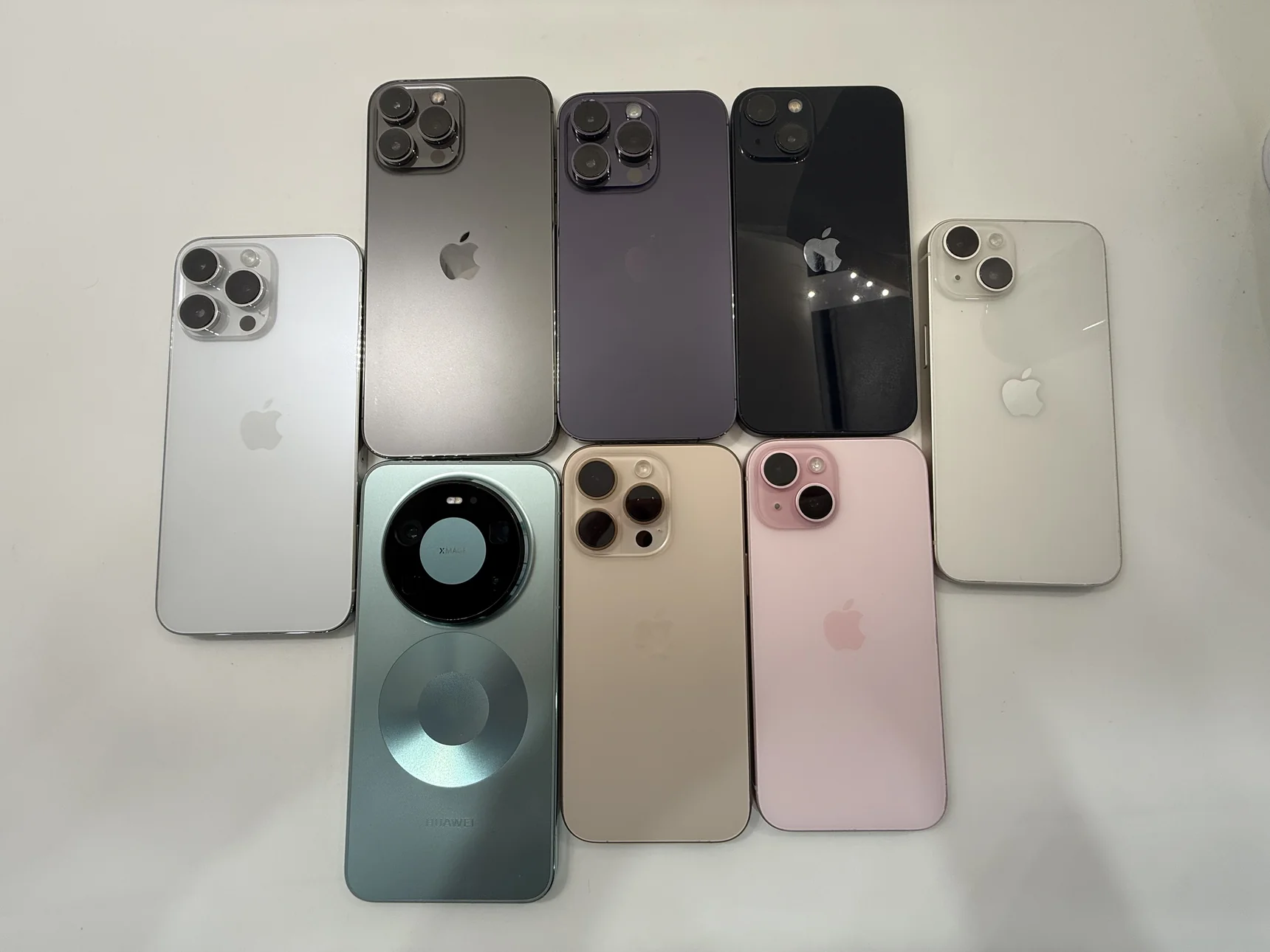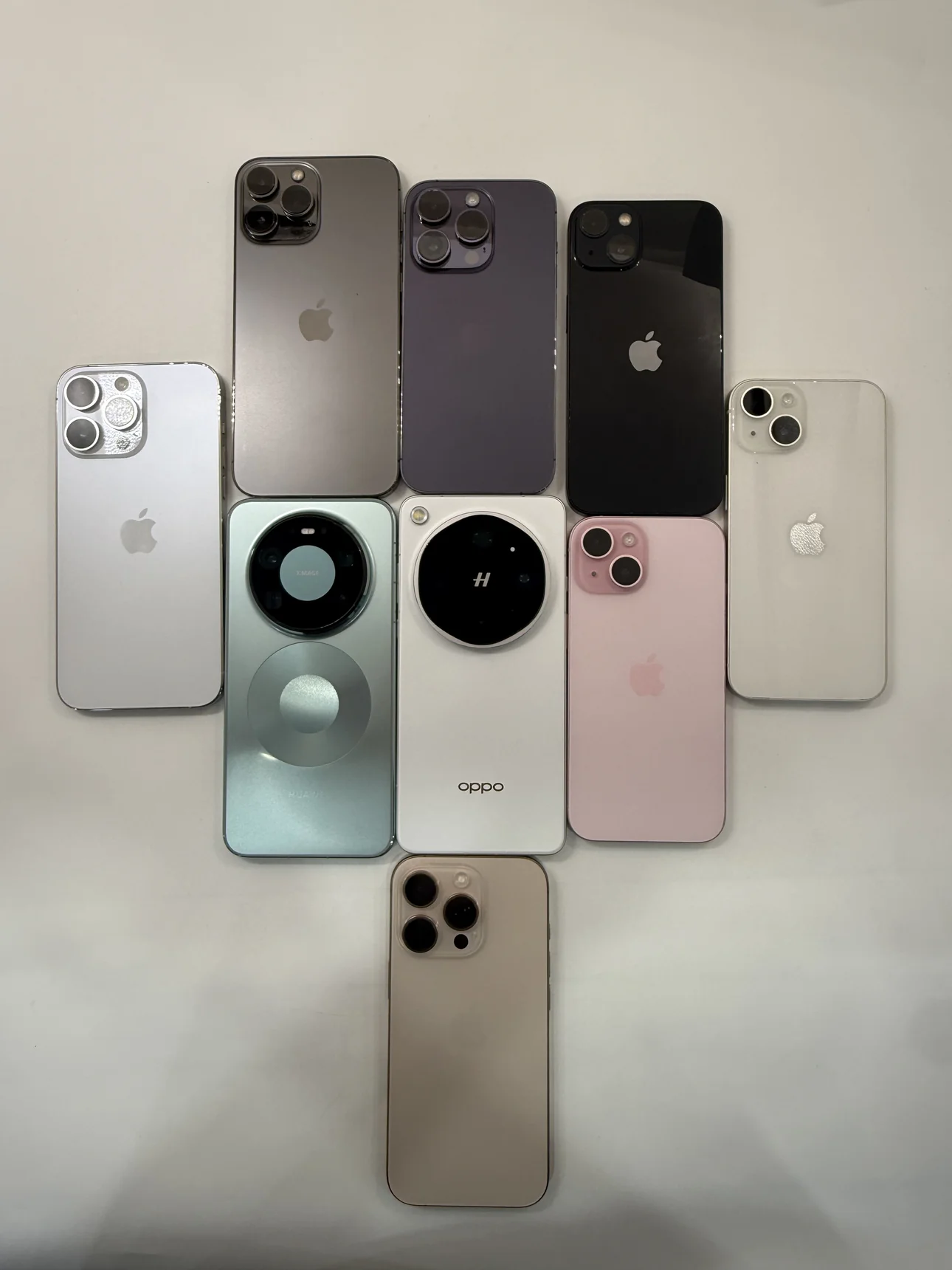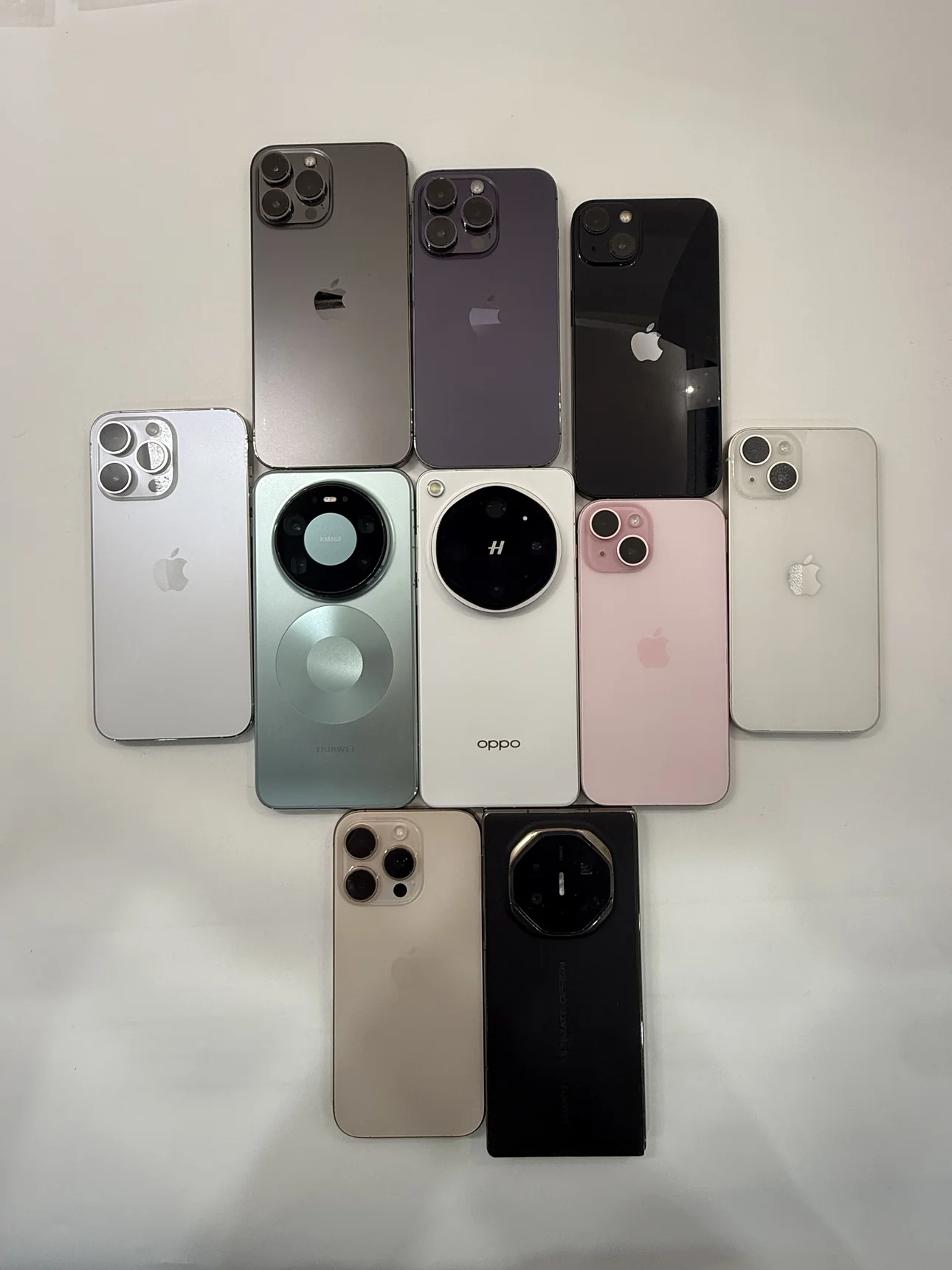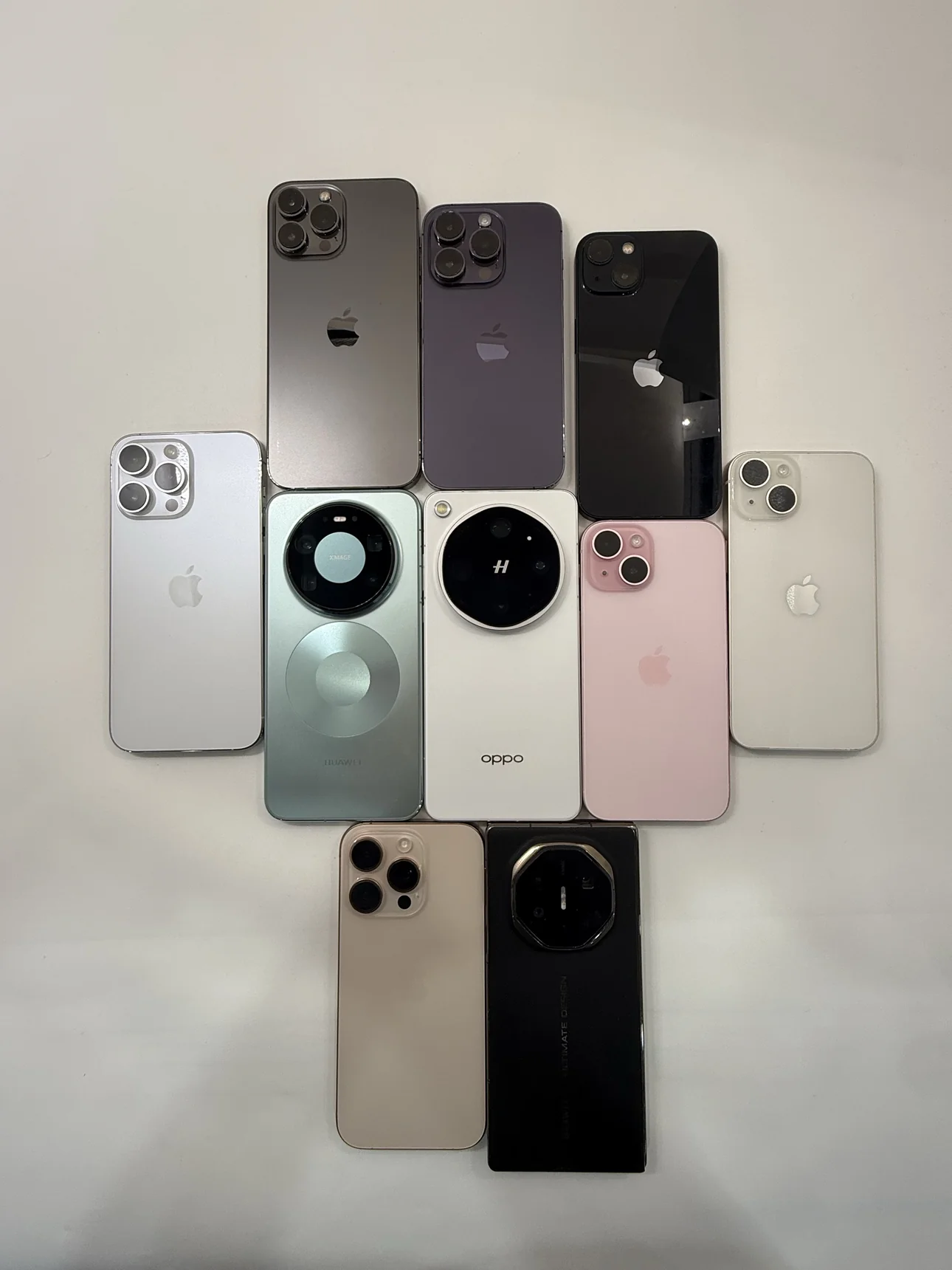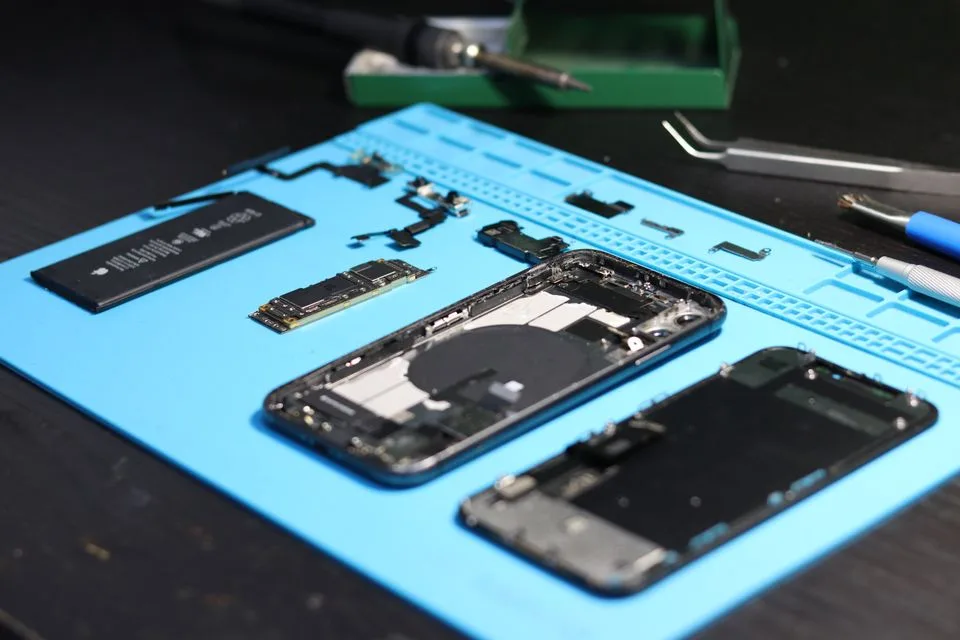
Condition & battery
Ask for close-ups of scratches or dents, the available battery reading and any known repairs.
Illustration · Fotografia Lui Vlad / Pexels
Southeast Asia & Africa
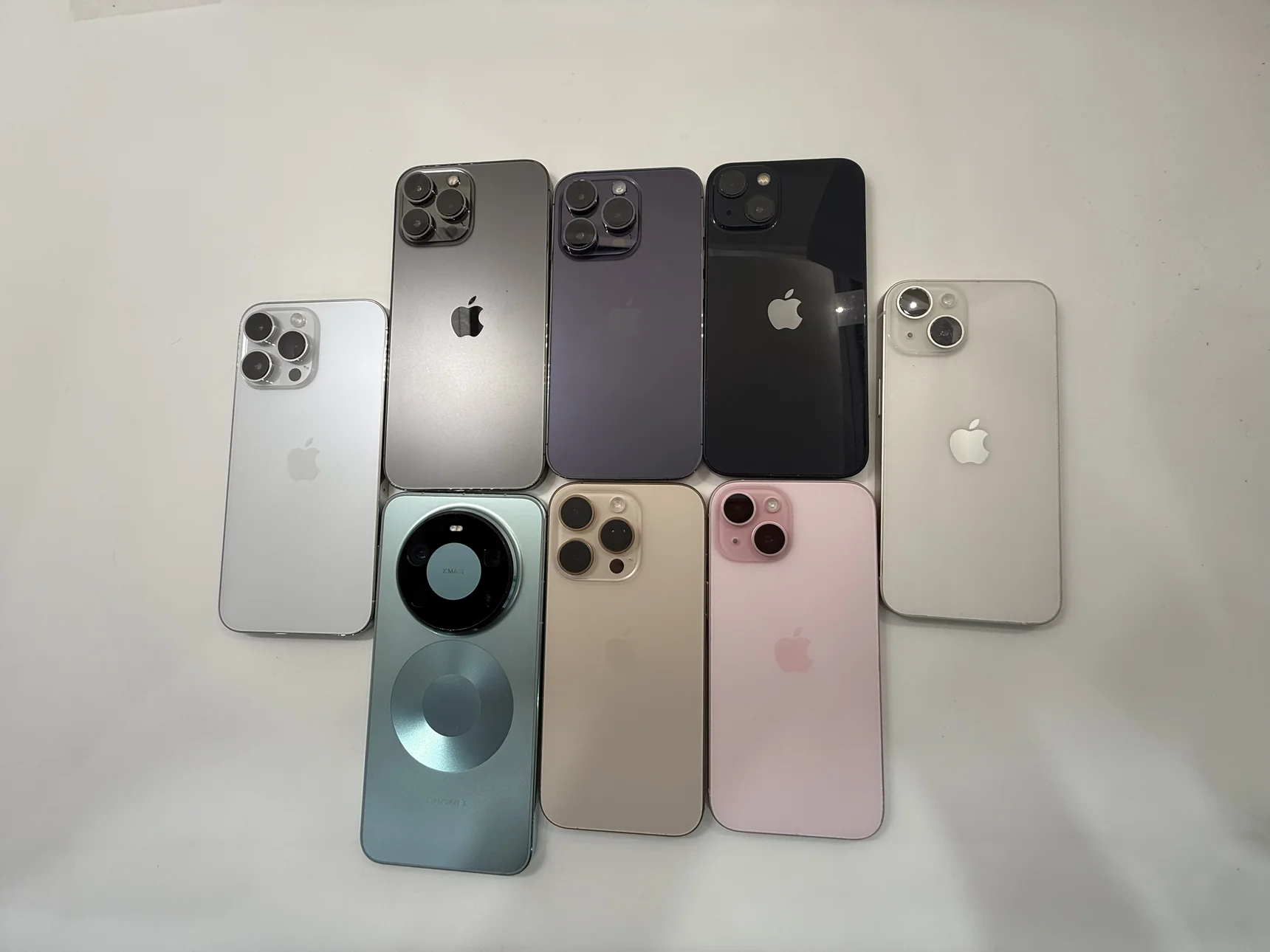
Looking for a second phone for calls and WhatsApp, or several for your team? See real photos of used iPhones and Android phones, then request a quote for the devices you need.
Loading products…
Ask for close-ups of scratches or dents, the available battery reading and any known repairs.
Illustration · Fotografia Lui Vlad / Pexels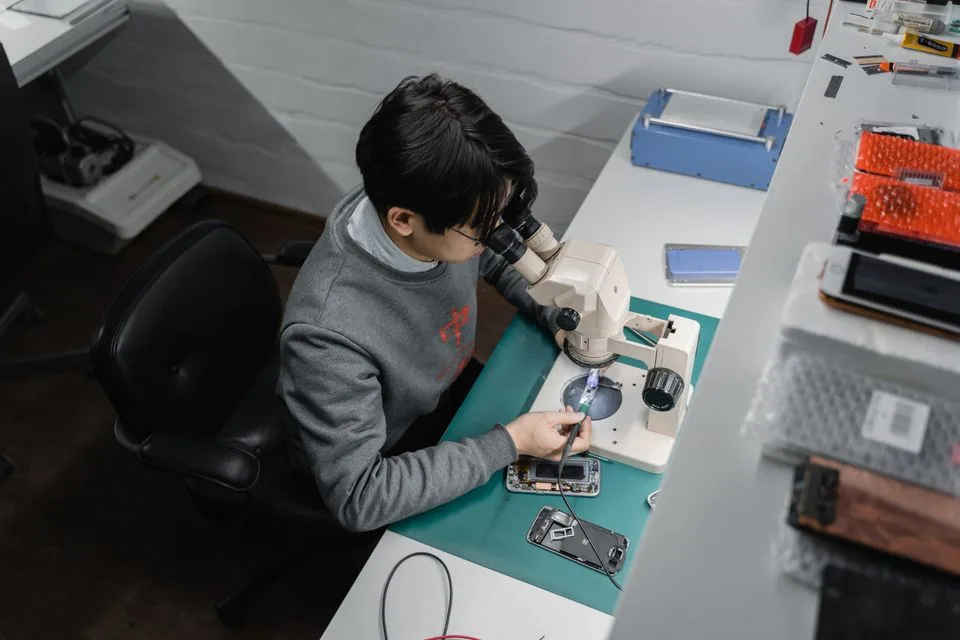
Check that the phone supports the SIM, carrier and apps you need for work, such as WhatsApp, email or maps. Ask about charging and any operating system requirements.
Illustration · Tima Miroshnichenko / PexelsTell us which phone you want, how many you need and where they are going. Confirm the device details and total cost with us on WhatsApp.
Request a quoteYes. Enter your quantity and preferred model or SKU. For a team order, include any app, storage or SIM requirements.
Ask for current photos of the screen, body and any marks. Confirm battery information, known repairs and any other condition details with us for the specific device.
Share your country, carrier and required apps. We can discuss what needs to be checked for the specific model and software version.
Share the destination and quantity. Ask us to confirm availability, the phone price, delivery options, shipping costs and any after-sales terms before placing an order.
Tell us what you need for work. The form prepares a message you can review and send in WhatsApp.
Open WhatsApp chat